USA
USA


Pressensor and Coffee Flow App Review

Have you ever worried that your espresso machine might be getting smarter than you are? Well, as far as I know, the AI takeover of espresso machines hasn’t happened yet, but that doesn’t mean that the average IQ of your typical E61 hasn’t gone up a few points in the past couple of years. I’d forgive you if you’ve never heard of the Pressensor, but that’s okay because you’ll be an expert soon enough. Most important though is that the Pressensor is exclusively available at Whole Latte Love and bundled with our E61 machines so you won't miss it!
In this blog we’ll be taking a look at how the Pressensor works and how the recently updated Coffee Flow app can help improve your extractions. By providing you with real time feedback on extraction pressure along with an array of tools to log data on your best shots, the Pressensor makes it easier to repeat them in the future.

$249.00
The Flexibility of the E61

To start things off, we’ll talk a little bit about how the E61 group is designed so you can understand how the Pressensor works. If you’ve ever given an E61 group more than a passing glance, then you’ve likely noticed a small hexagonal bolt located about midway above the grouphead where the portafilter locks in. This bolt is actually in line with the channel of water that flows through the group to the shower screen. In most cases you’d never think about it because it’s simply doing its job and keeping water flowing in the right direction (to your coffee). But, by removing the bolt you can actually install a variety of devices in its place, including tools to monitor the water pressure in the line, i.e. analog gauges in the case of flow control devices or Pressensors.
With flow control being so popular on E61 machines, many people are used to seeing a group mounted gauge that reads the pressure at the group during extraction. While this is somewhat useful, your eyes are most likely going to be looking elsewhere when you’re pulling your shot, most likely at your shot timer, or at your scale. So, when you’re done with your extraction you most likely haven’t been paying attention to the pressure on the gauge and ultimately it hasn’t helped you all that much. That’s where Pressensor leverages technology in order to help you better track and interpret the data you have access to.
How it Works

The Pressensor is a battery powered, Bluetooth enabled pressure transducer that installs in the E61 group to actively monitor water pressure during extraction. Coupled with the device is a companion app called Coffee Flow that can be used to both actively display pressure during extraction and log data after your shot is done pulling. Logged shots will contain all of the data that was input prior to starting your extraction (more on that in just a bit).
The Coffee Flow App

Pressensor's companion app called Coffee Flow is a free app that can be downloaded from the Google Play store, Apple App Store and Huawei App Gallery. In order to make full use of the device you'll need to install the app and simply connect your Pressensor from the "My Setup" section of the app. We'll take a deeper dive on this section in a bit, but to find your Pressensor, tap the "Bluetooth Devices" section and select your Pressensor from the list of available devices. You can also tap the “Connect a device!” button as a shortcut to take you directly to the “Bluetooth Devices” as well.
Logged Shots
Once a shot has been logged, you can pull it up at any time to review both basic and advanced information. Shot time and your pressure gradient are logged via a graph with pressure (represented by a blue line) on the Y axis and time on the X axis. If you have a smart scale connected you can also review your total weight out, flow profile in g/sec and your brew ratio.
Previous shots can be accessed via the "Shots" section accessible at the bottom of the screen and here you can review all of your previous extractions. You can name your shot (especially handy if you really liked the results) and you can also rate it on a scale of 1 - 5 stars. There’s also a field to add more detailed notes about the in-cup results if desired. Further down, you can retroactively enter coffee and equipment data if it wasn’t present at the time of extraction and there are a few final fields for even more shot specific extraction data including:
- Grinder Setting
- Boiler temperature (°C)
- Boiler pressure (bar)
- Pre-infusion time
- TDS (%)

Adding Your Setup

In my opinion, to get the most out of something like the Pressensor, it’s really important that you add as much data as you can to your app. It’s definitely fun to see pressure data in real time, but to successfully use the Pressensor and Coffee Flow app as tools to improve your extraction, you’ll want to track as many variables as possible. There’s a section of the app called “My Setup” where you can input information about the coffee you’re brewing, your machine, your basket, grinder and tamper. Once added, coffee and equipment can be swapped out on the home screen of the app and will be logged alongside the extraction data from your shot like I mentioned above.
I do recommend filling this information out, at least for your first few experiments, especially if you have a variety of equipment you use to prepare your espresso.
Adding a Coffee

Understandably, coffee will likely be the part of your setup that changes most frequently. Within the app there are dedicated fields for the following attributes:
- Name
- Variety
- Roastery
- Roast Date
- Roast Level
- Description
Generally speaking, the fields here are all useful, but if you want to add a bit more detail, make sure to use the “Variety” and “Description” fields to add things like brew temperature, processing method, country of origin or any other information you deem essential. It’s worth noting that there are no pre-filled selections for any of the fields so you will need to type everything by hand, and more importantly you’ll want to come up with a nomenclature that you stick to to ensure that you’re always describing things the same way.
As you read on, you’ll see that the “Description” field for coffee can pull double duty for you and do some heavy lifting for adding additional data regarding your brewing tools like your portafilter baskets and grinder.
Adding a Machine
The machine fields allow you to enter the following information:
- Name
- Brand
- Model
Adding a Filter Basket
The following information can be added for filter baskets:
- Name
- Diameter
- Capacity
For things like hole count, hole diameter and basket shape, whether or not the basket is treated with a surface coating, or if it has a specific hole distribution pattern, you can add that information to the description field of the coffee you’re brewing.
Adding a Grinder
The grinder fields allow you to enter the following information:
- Name
- Brand
- Model
For things like burrs (if you’ve swapped the stock for alternates), grind setting/size, RPM, etc, you can add that information into the description field of the coffee you’re brewing.
Adding a Tamper
The following information can be added for your tamper:
- Name
- Brand
- Tamper Force
- Diameter
Connecting a Scale

On its own, the Pressensor is great for recording pressure information about your shot, but it can also be tethered to a variety of Bluetooth enabled scales in order to record flow rate and extraction yields in addition to pressure. To connect a scale you’ll return to the “My Setup” section of the app and back to “Bluetooth Devices” to locate and tether your scale to the app.
Once connected, the scale can be interfaced with from the home screen of the app and several additional tools and features are unlocked. At its most basic, the app becomes a digital interface for the scale, allowing you to tare remotely and view weight data. For the purposes of pulling shots and logging data, you can use the tethered scale to input a dose for your extraction by pressing "Set." Once your dose is set, you can tare your vessels and the Coffee Flow app will calculate a brew ratio as part of the final shot data. The ratio is displayed as a percentage with 200% being the equivalent to a 1:2 extraction just for example.
When extracting with a scale connected, the current flow rate of the espresso is represented by an additional line on the graph (in orange) that will be actively tracked alongside pressure.
Compatible Scales
The Pressensor and Coffee Flow app are compatible with a wide range of popular scales, some available here at Whole Latte Love, and some not.
Scales We Carry

The following Pressensor compatible scales are available for sale at Whole Latte Love:
Acaia: Pearl, Pearl Model S, Lunar
Eureka: Precisa with Bluetooth
Hiroia: Jimmy
Varia: AKU Mini, AKU Pro
All Other Scales
The following scales have been identified by Pressensor as compatible with the Coffee Flow app but have not been tested in-house at Whole Latte Love:
- Decent Scale
- DiFluid Microbalance
- Felicita
- Goat Story Gina
- Skale II
- Solo Barista
Other Features
In addition to logging data and connecting devices, the Coffee Flow app has a few other really powerful features. I've gone into a bit more detail about my favorite ones for you below.
Setting a Minimum Pressure

A recent update to the Coffee Flow allows you to set a minimum pressure threshold before the app begins to record your extraction. How you choose to use this feature ultimately comes down to how you like to log and interpret data from your shots. You can set a pressure as low as 0.1 bar which essentially means that your shot will start logging as soon as you raise the lever and water starts to flow. If you want to leave the pre-infusion phase out of your shot, you can set a much higher pressure threshold so you only log your shot during full pressure extraction and then fill in the pre-infusion details using the dedicated field within a logged shot.
So as an example, maybe you only want to start logging info about your shot once it reaches 9 bar. By setting your minimum threshold in the app, the shot won’t be logged until it reaches 9 bar, allowing you to exclude the pre-infusion phase of your extraction if desired.
Brewing with an Overlay

The ability to monitor and record pressure during extractions is most beneficial when coupled with flow control where you can actively manipulate pressure during the extraction. One of the most exciting tools offered by the Pressensor and Coffee Flow is the ability to overlay an extraction profile from a previous shot onscreen while brewing. This feature, referred to as "Reference Brew" can either use a previous shot you logged or one that you've downloaded from other users. This allows you to try and match the profile by manipulating your flow control device during extraction.

Not only can you follow more basic profiles simply to recreate successful shots, but you can also download profiles for popular machines like sprung levers to imitate those profiles when using the Pressensor in tandem with a flow control device.
Wrapping Up

In a world where flow control has become the new norm for a massive number of home baristas, the Pressensor and the data visualization it brings to your espresso routine feels like the final piece of the puzzle to me. When it comes to understanding your extractions, being able to see active pressure and flow as your shot pulls is a game changer, and the ability to follow profiles from famous machines can breathe new life and excitement into even a legacy espresso setup. It's hard to say what comes next for the E61 group, but I get the feeling that the Pressensor will be keeping me busy for quite some time.
Photography by Grace Walker
Shop this Blog
-
 The Pressensor is an app-connected pressure sensor that gives real-time data on the pressure of water flowing through the puck during an extraction. Easy to install, the Pressensor integrates with smart espresso scales to provide a whole suite of information to help improve extractions at home.
 -
 Varia’s AKU MINI is a compact espresso scale with all the functionality of the original AKU and then some. With improved water resistance, a dedicated espresso brewing mode, and bluetooth compatibility, the AKU MINI is an espresso enthusiast’s dream come true.
 -
 Fully Bluetooth compatible and packed with helpful features like auto tare, auto time, first-drip recognition, and dedicated espresso and pour-over brewing modes, Varia’s AKU Pro scale is both versatile and powerful.
 -
 The Eureka Precisa Scale with Bluetooth The Eureka Precisa scale is compact and convenient with a Bluetooth connected app for additional functionality to monitor your extractions.
 -
 The Acaia Lunar Scale is a premium espresso scale with 1/100g accuracy and the ability to actively monitor flow rate in real time.
 -
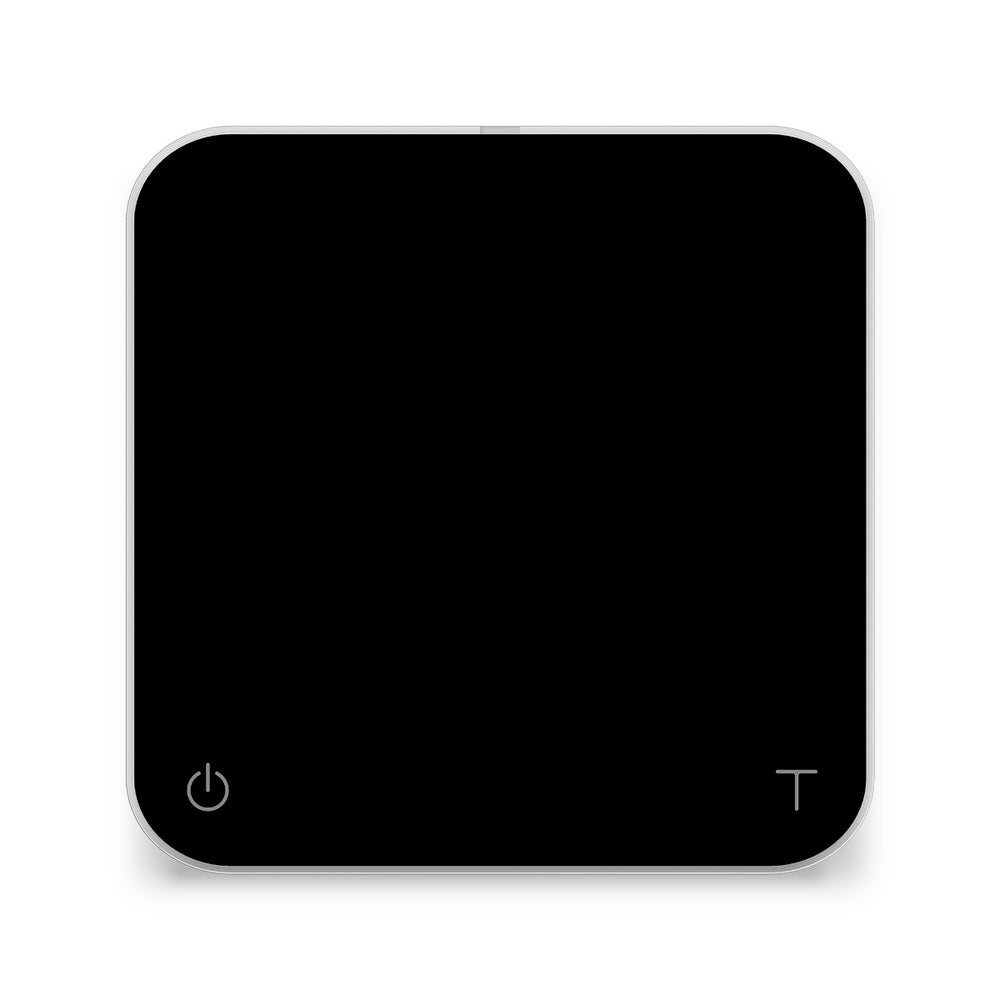 A scale for the pro, the barista, and the discerning coffee lover at home, the Acaia Pearl offers precision you could only find in a lab. Now, cafes the world over are coming to rely on this scale to deliver cutting-edge results in the cup.
 -
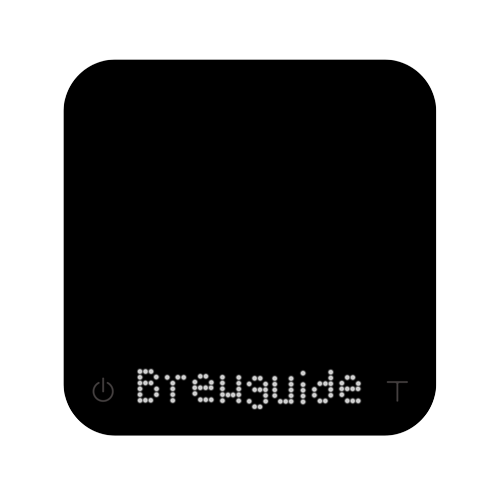 The Pearl Model S is a premium brewing scale from Acaia, featuring live flow rate tracking, Brewguide app integration and voiced notifications to guide you through brewing in real time.
 -
 Acaia Pyxis Acaia’s Pyxis scale was designed to be compact and functional for the everyday barista. The Pyxis is capable of weighing between 0.01 grams up to 500 grams...
 -
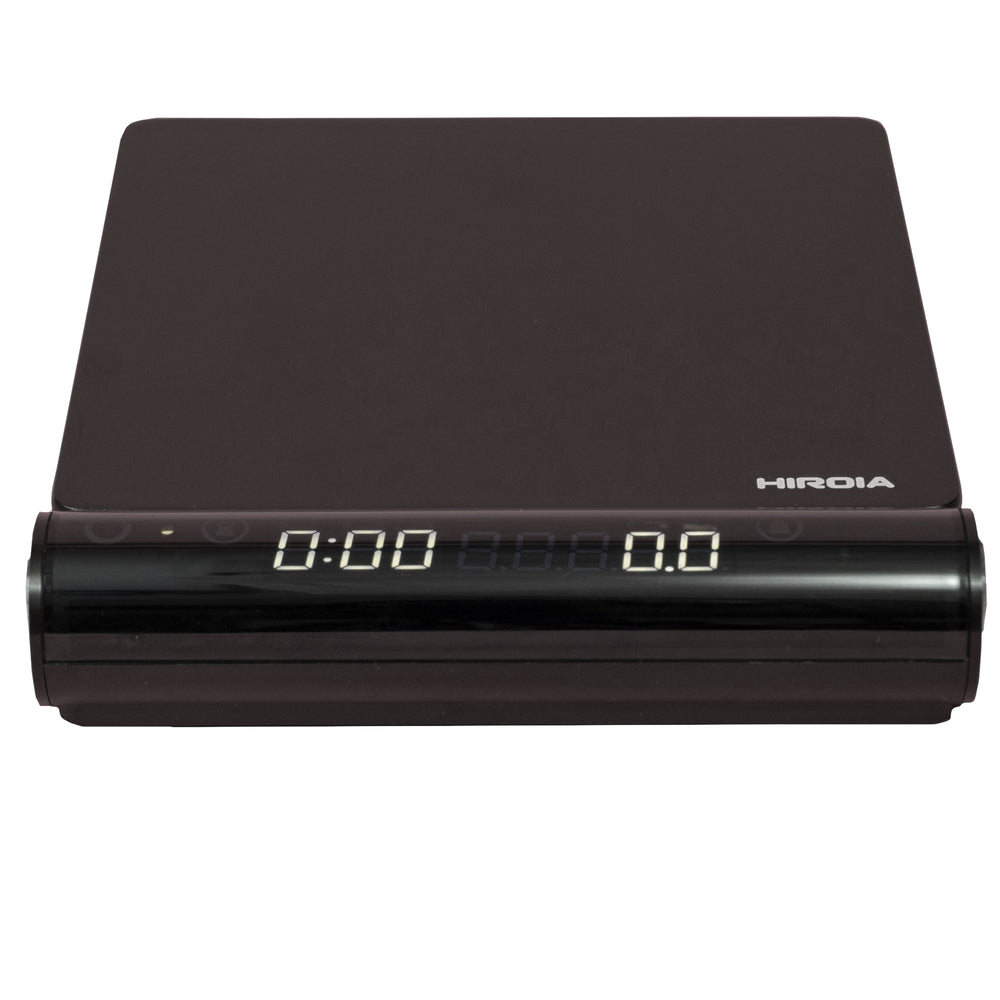 With bluetooth connectivity and a removable, magnetic screen, the Hiroia “Jimmy” Drip and Espresso Scale offers optimal flexibility while brewing to at-home baristas new and old.
 -
 The Profitec Pro 500 PID with Flow Control is a highly capable heat exchanger espresso machine, packed with commercial parts, a quiet vibration pump, and equipped to compete with more expensive machines. The 2022 update moves the PID controller with Shot Timer so it’s no longer hidden, making it easier to accurately adjust the temperature and time your shots for your brewing process.


Related Articles

The Updated Wiedemann Flow Control Paddle

Espresso Tampers Compared: Bravo vs. the BOSeTAMPER